Mac app
- How to get it
- Install from the Mac App Store
- Connection
- USB debugging or wireless debugging
- Requirements
- macOS 15.6 or later
- Good to know
- Phone connection components are built in, with nothing else to install
Connect your Android phone to your computer: see its screen in real time, control it with your mouse and keyboard, transfer files, and manage apps. Install it on your Mac or open it right in your browser.
The Mac app requires macOS 15.6 or later. The web version requires Chrome or Edge on a computer.
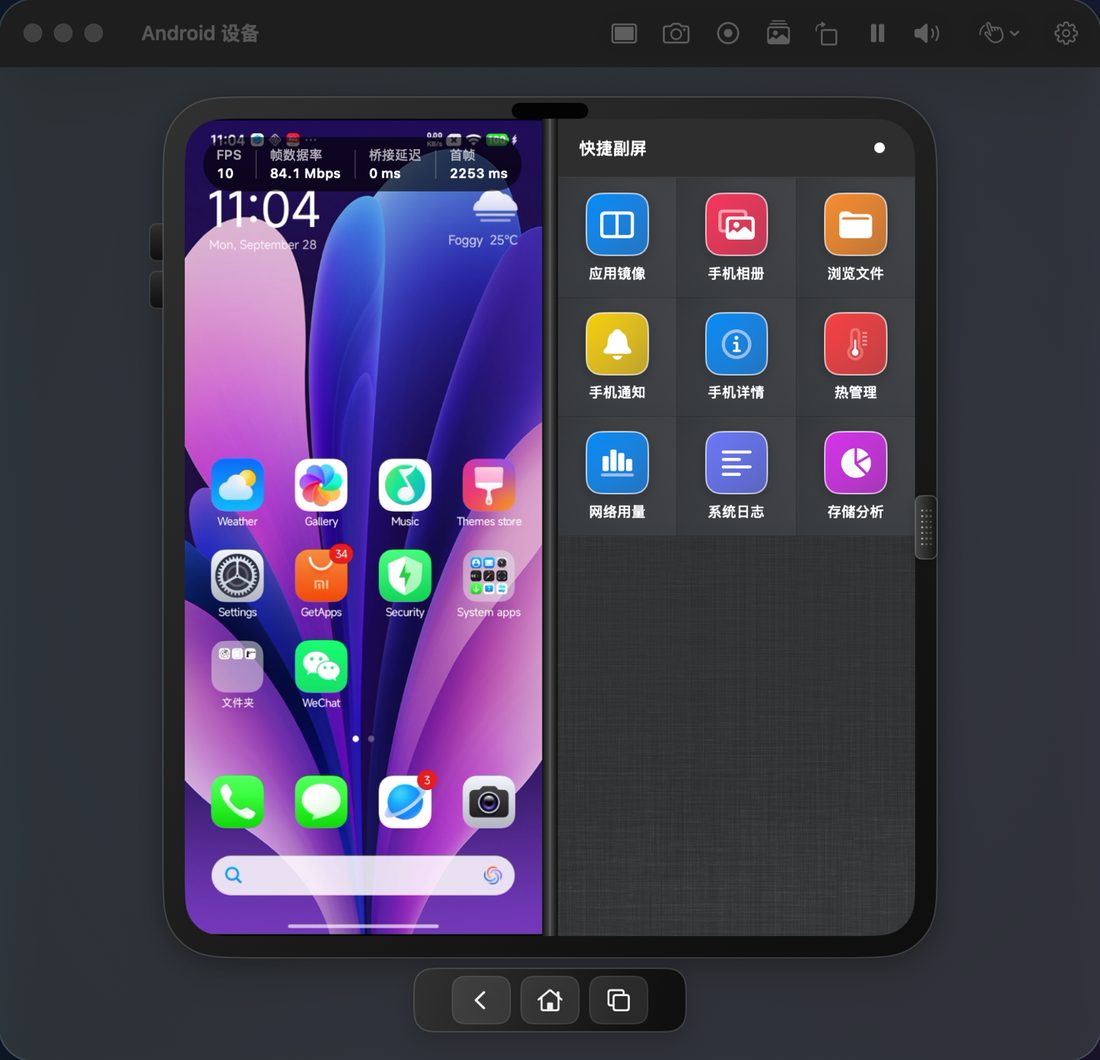
See your phone screen on your computer in real time, control it with your mouse and keyboard, and take screenshots or recordings.
Browse and search the files on your phone, and move them between your phone and computer.
Browse the photos and videos on your phone on a bigger screen.
See the apps on your phone, install APKs, and uninstall the ones you no longer need.
Read your phone’s notifications on your computer without picking it up.
Check device details, storage, network usage, temperature, and system logs.
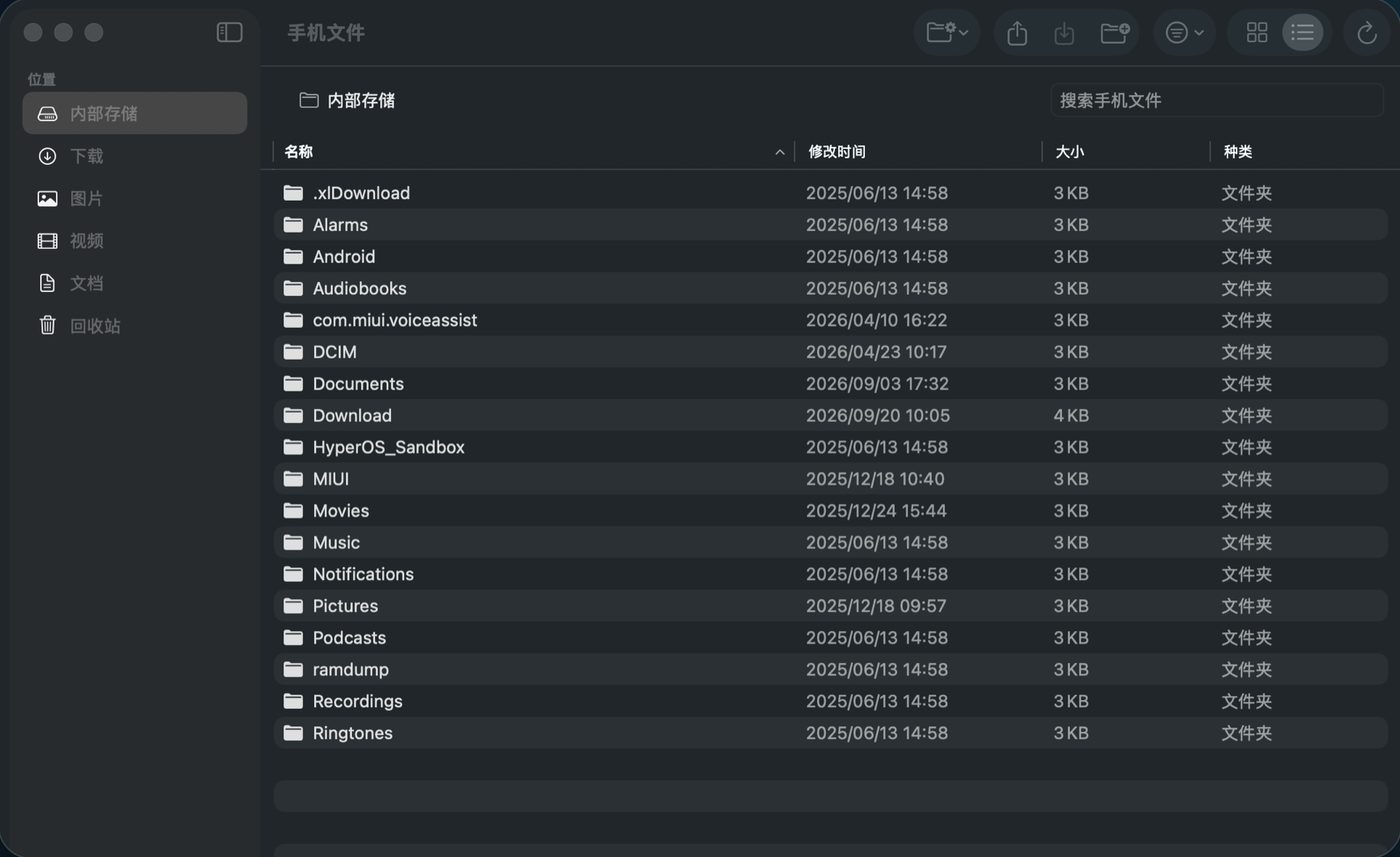
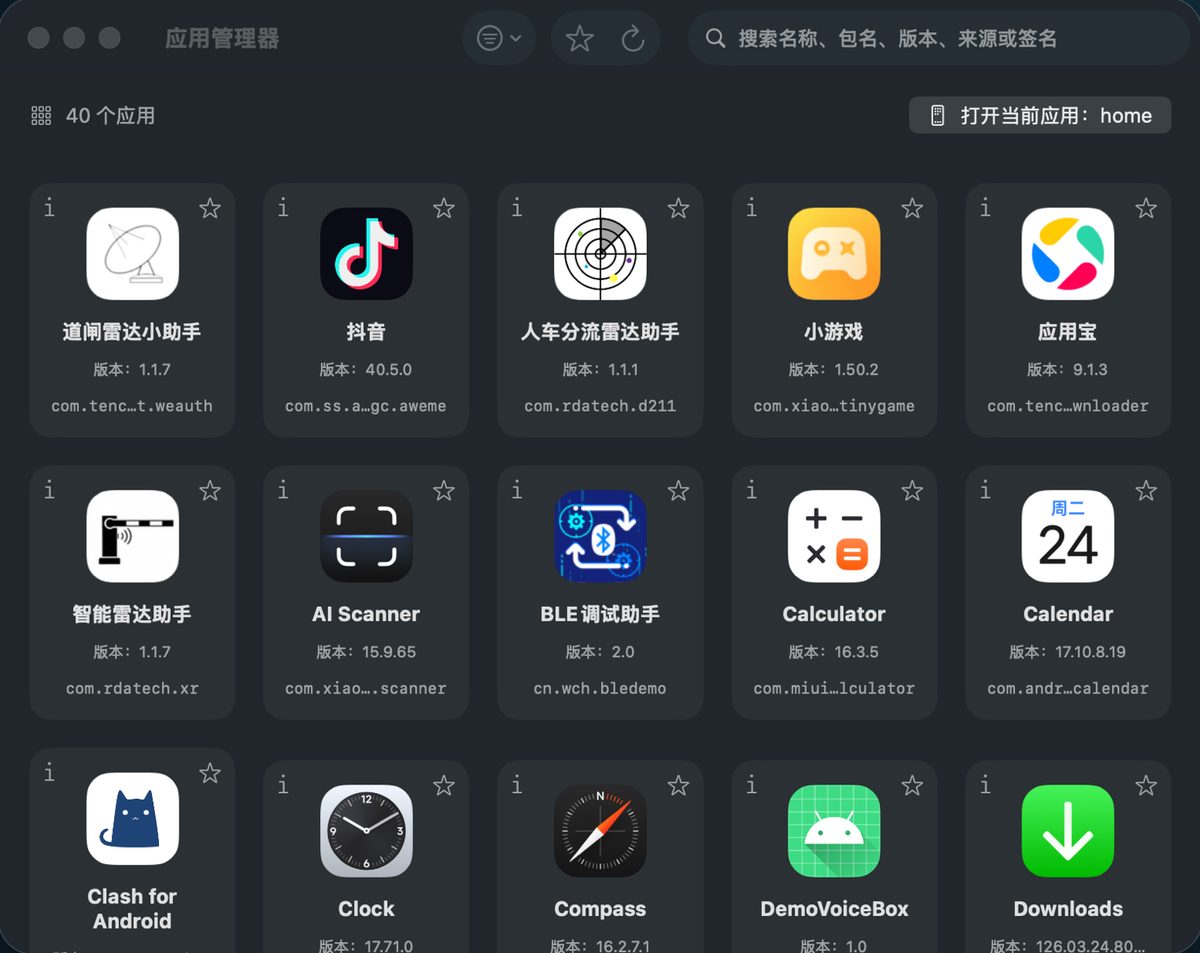
Pick the one that fits your computer and how you work.
On your phone, open Developer options in Settings and turn on USB debugging.
Plug your phone into your computer with a cable, then open Phone Deck.
When your phone asks whether to allow USB debugging, choose Allow.
Phone Deck connects your phone and computer directly, over USB or your local network.
The web version talks to your phone entirely inside your browser. The website only serves the page files, and nothing on your phone passes through a server.